
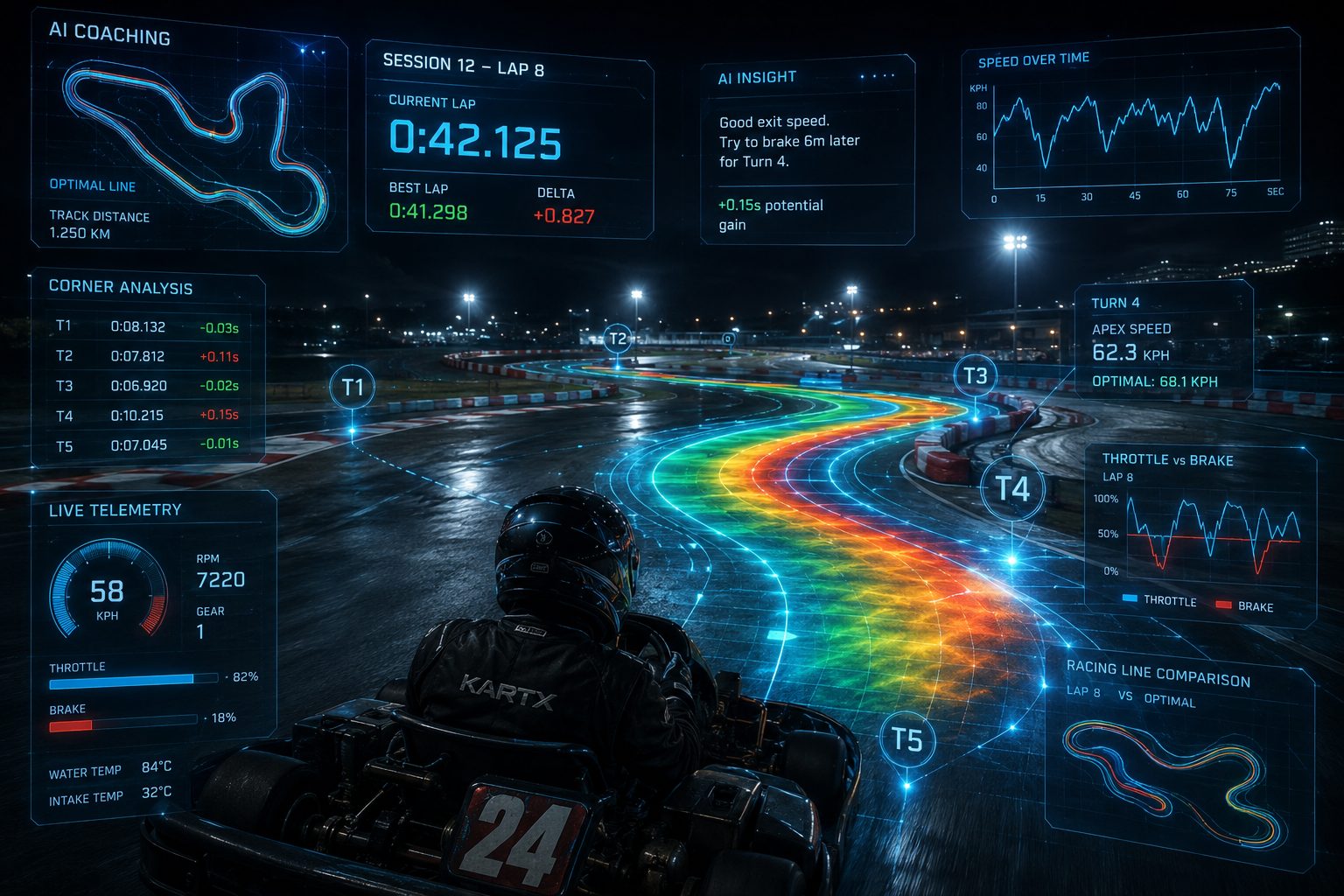
Finish every session
knowing how to nail the next lap.
No more “felt about right.” Race Log breaks every lap of GPS data into exactly where you gained and lost time, corner by corner.Your AI coach tells you what to change next, in plain language.
See a sample web report→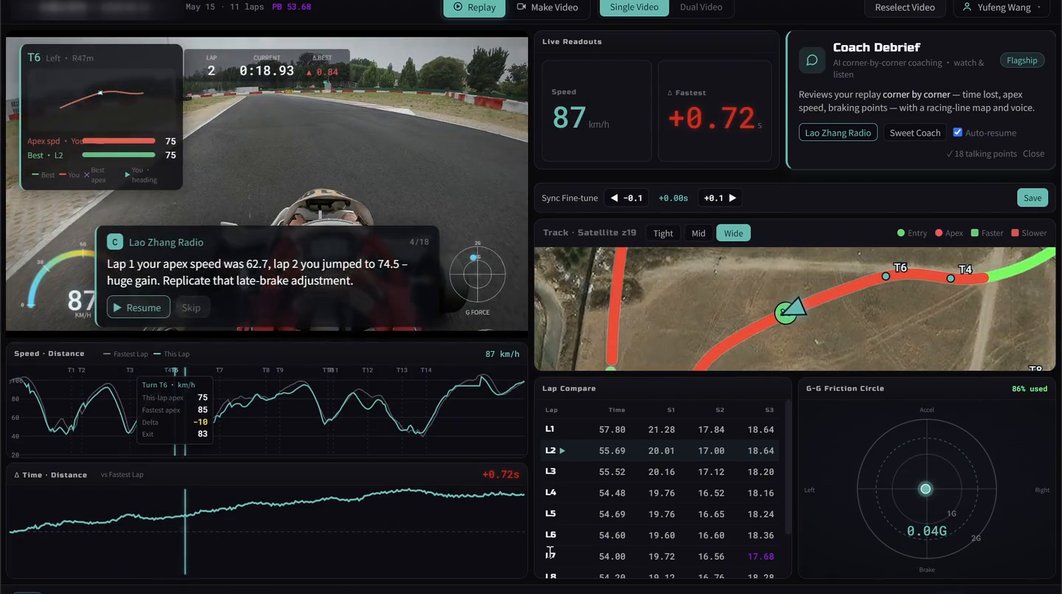

A whole session in,
and all you’ve got is “felt okay”?
Drive on feel and progress comes down to luck; you make the same mistake in the same corner, lap after lap, never seeing it. Race Log turns every brake, every line, every throttle input into numbers you can actually read and act on.
“T3 felt kind of off… I think?”
“The last few corners didn’t flow, but I can’t say where.” “Felt a bit quicker than last time… maybe?” “T3 was awkward again, I’ll sort it next time.”
Exactly how much
each corner costs you
“T11 lost 0.56s, T1 lost 0.48s, T8 lost 0.48s.” Ranked by what matters most, so you claw back the biggest corner first.
Race Log turns “felt okay” into
“T11 lost 0.56s, entry speed down 12 km/h.”
Every lap as data you can read —
then replayed against the footage
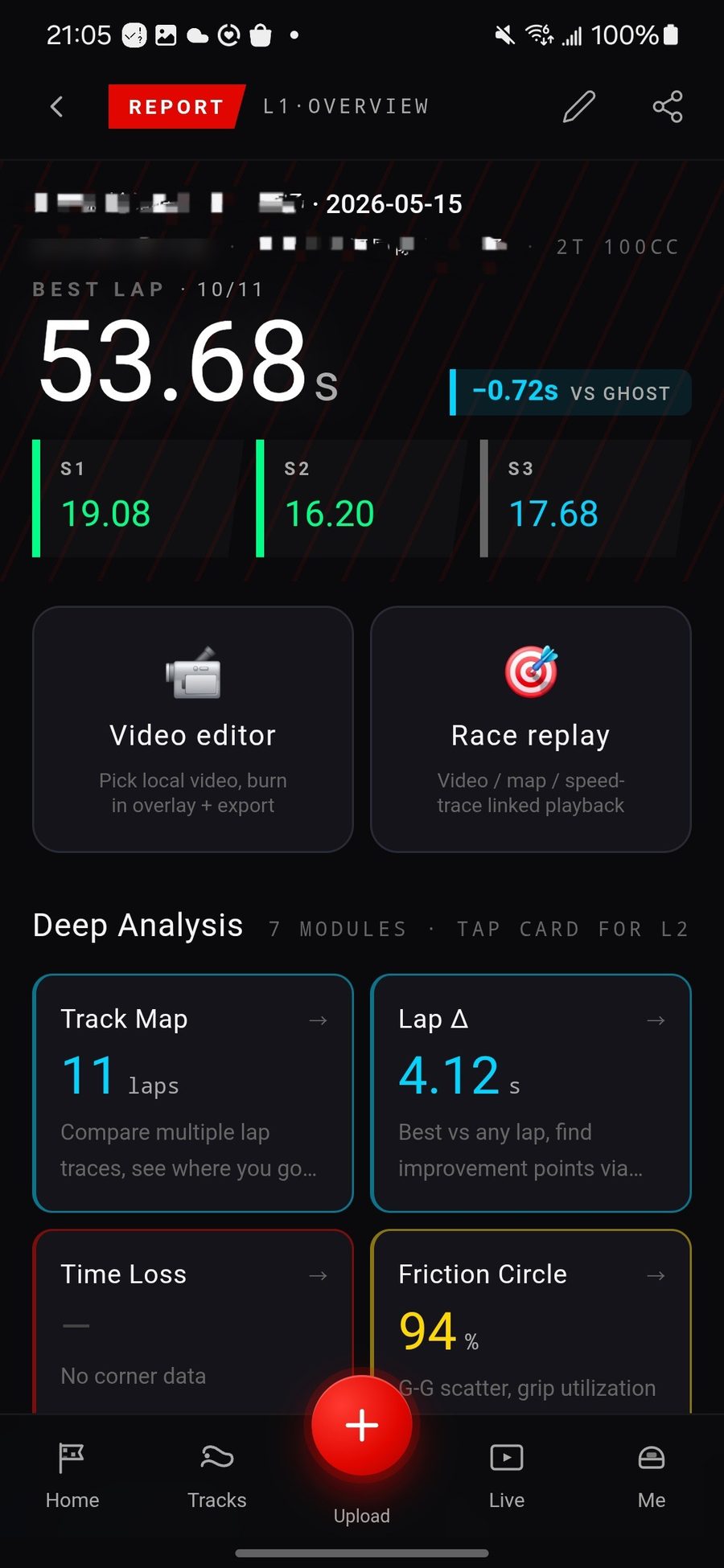
Race Log turns your session into a full data report — lap times, sectors, corner-by-corner gains and losses. Then two video-replay modes lock that data to your on-track footage, so you see exactly where the time went.
A complete data report
for every session
Best lap, sector splits, corner-by-corner time loss, friction circle — the whole session as numbers you can act on.
Video + racing line + speed trace,
in sync
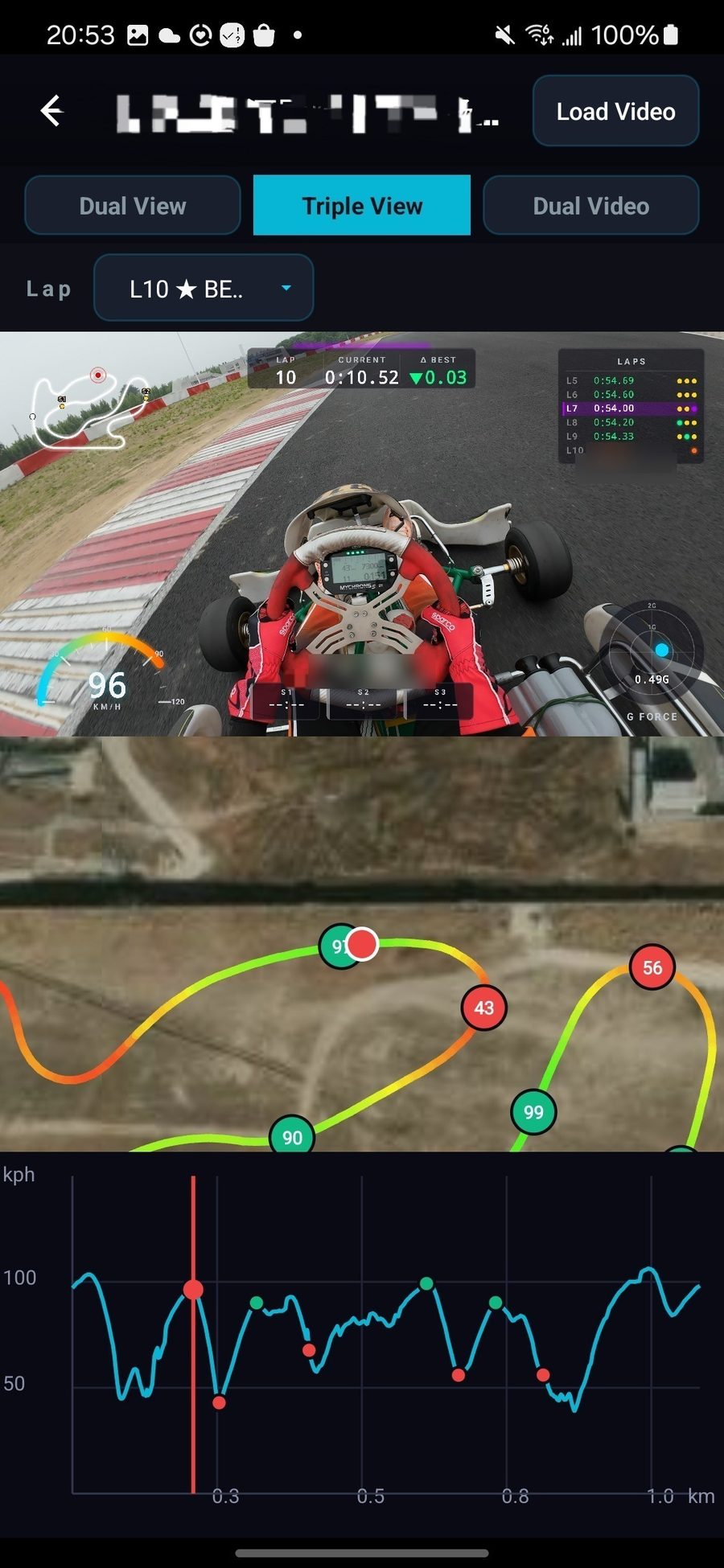
Watch the footage and see the exact moment you lost time — all three views locked to the frame.
Same corner, two laps,
stacked to see the gap
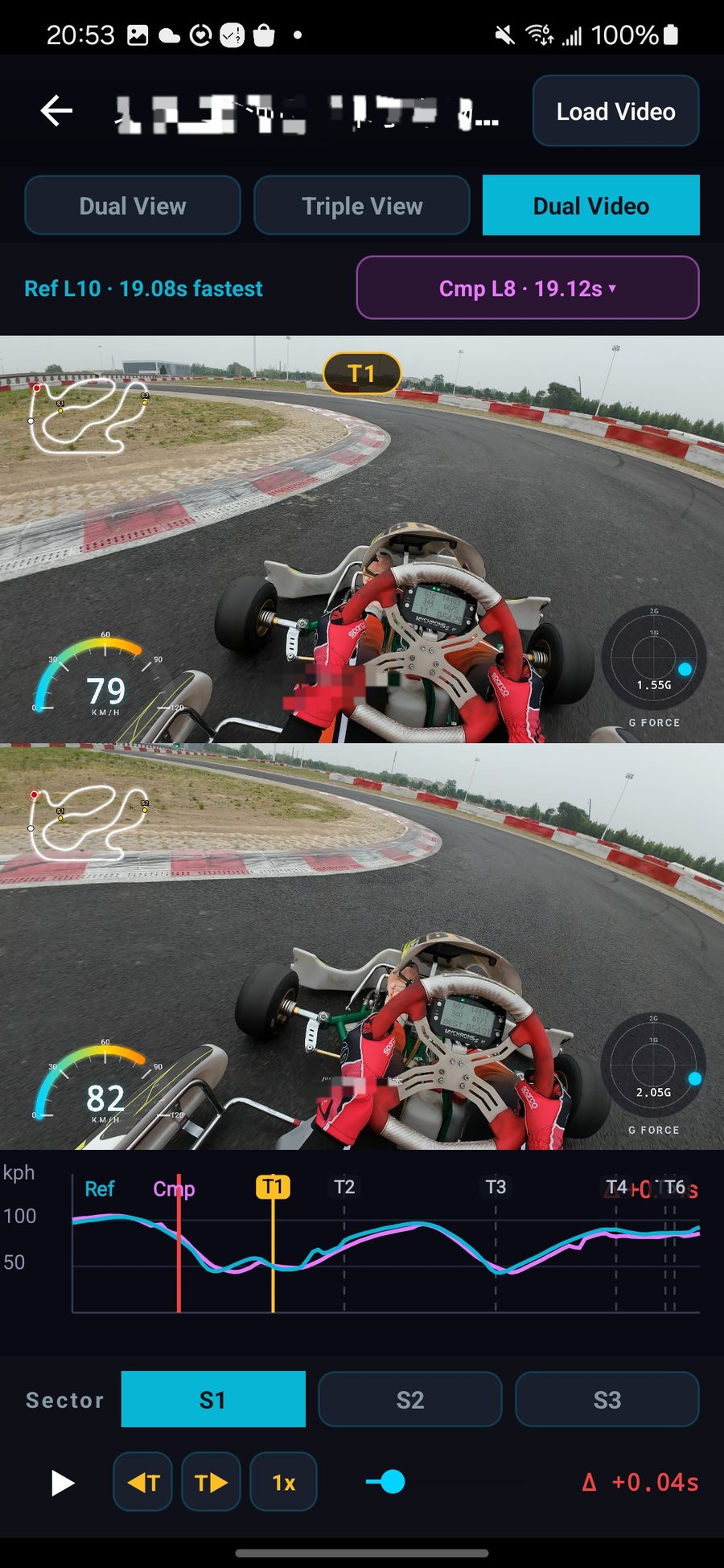
See which input separates your best lap from this one — the visual gap beats raw numbers.
The numbers tell you where; the video shows you why.
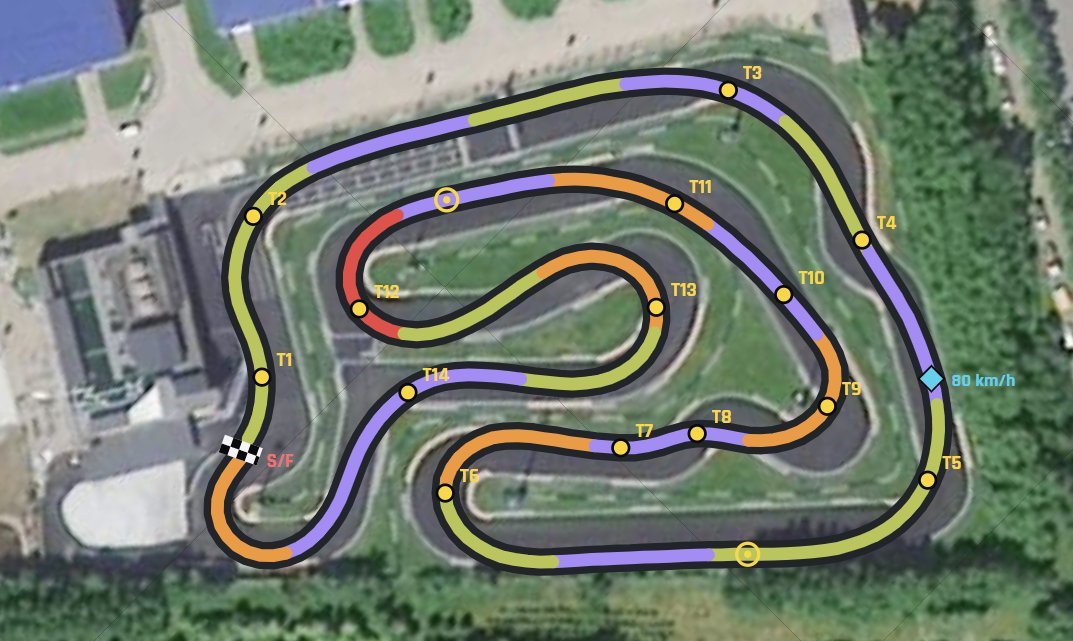
No preset maps,
no marking the start line,
the algorithm does the dirty work
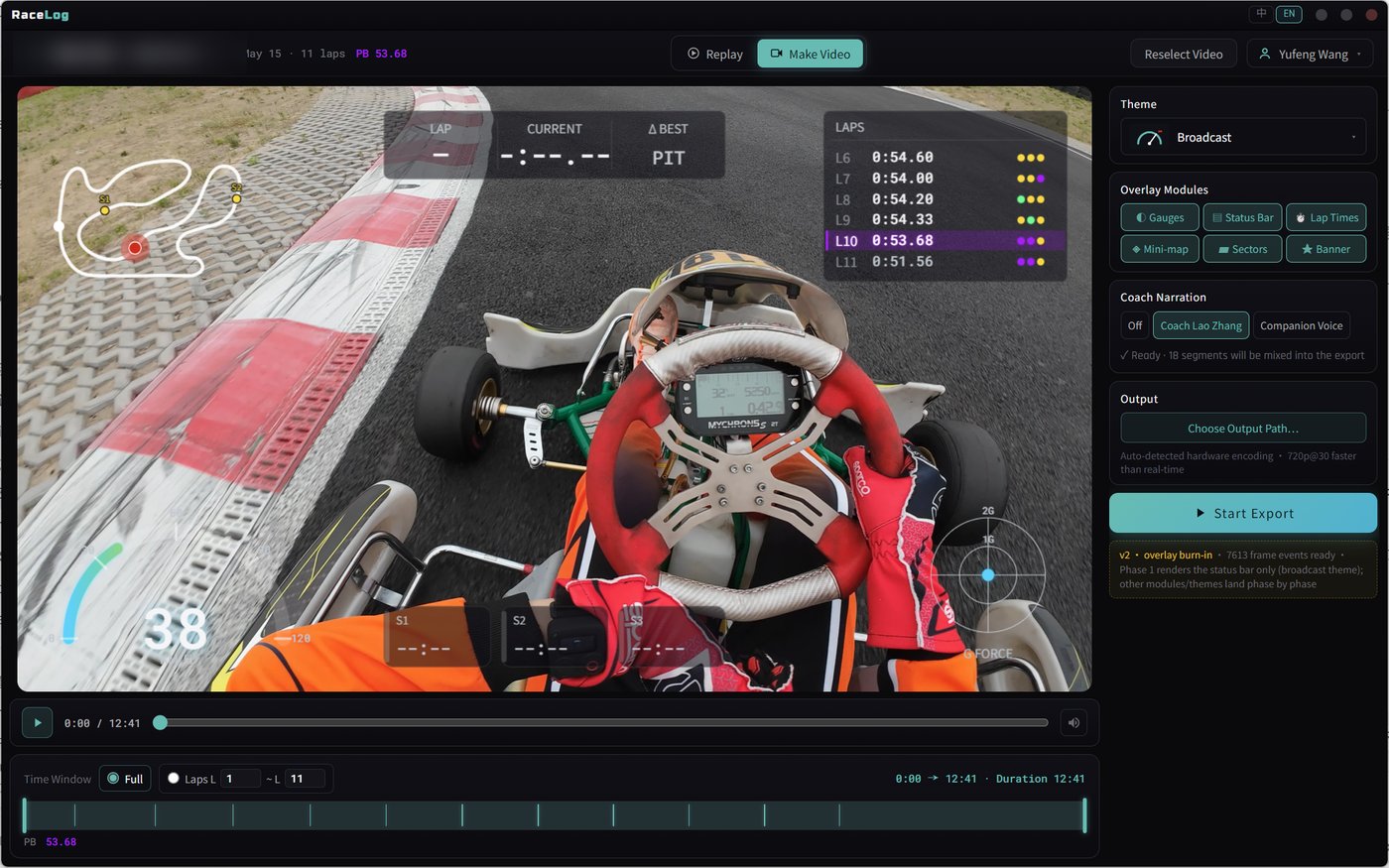
On desktop,
let the AI coach debrief you straight off the video
Drop GoPro or DJI footage into Race Log desktop and the AI coach breaks it down frame by frame — video synced to GPS / IMU / speed, with an AI voice-over track layered on top.
Multi-theme dashboards
· quick per-lap export
· one click to a finished replay reel
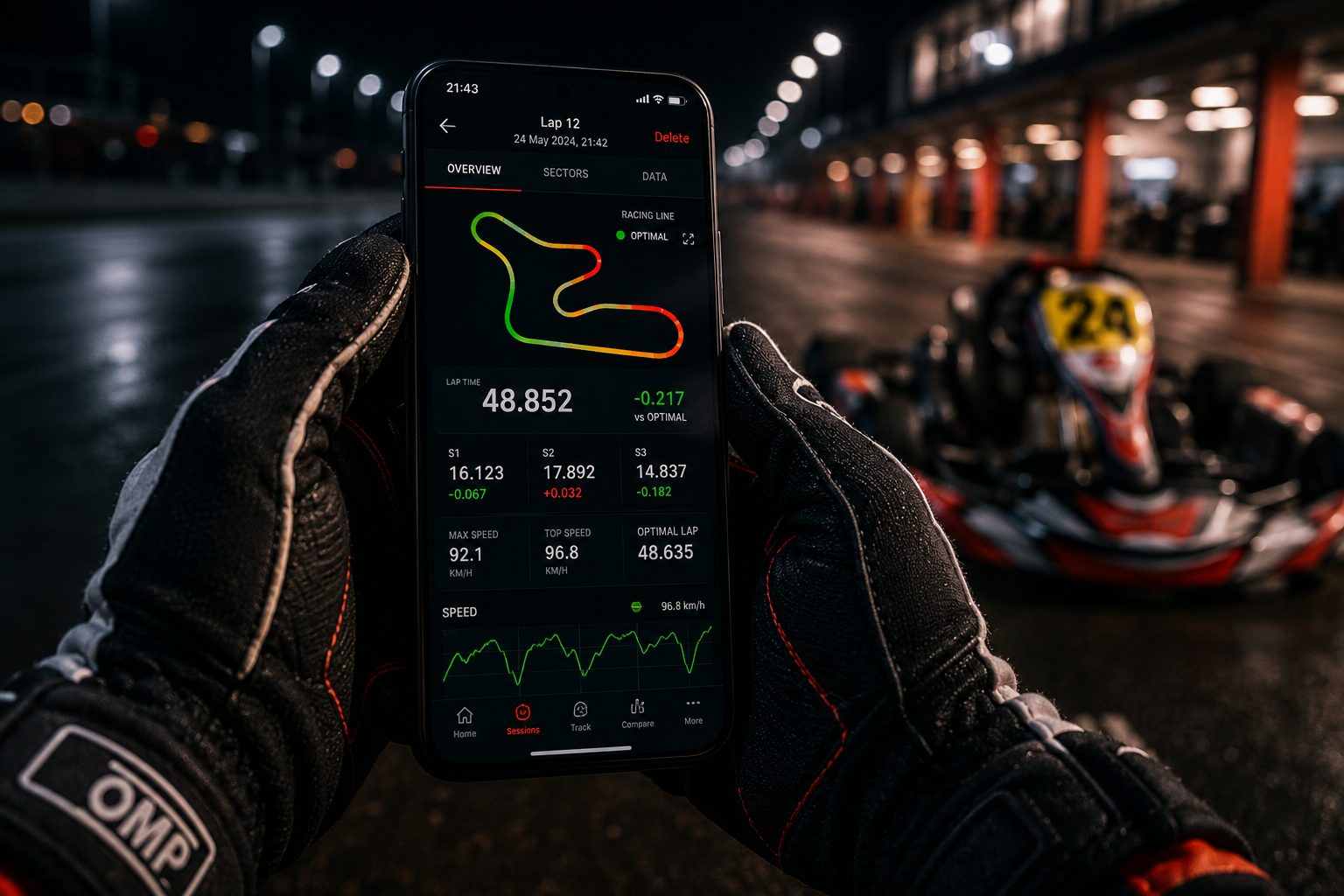
Pick what fits you,
your account syncs the rest
Same report, synced across all three. Glance on your phone / dig in on a big web screen / batch-debrief on desktop — whatever works for you.

Just open it in a browser — no install. Deep analysis on a big screen: lap table / satellite line / speed trace side by side, plus session-to-session comparison.
Sign in / Sign upUpload on the spot / see the report instantly / coach on call. Listen to it on the drive over and walk in with a plan.
Android · iOS coming soonBatch debrief / efficient long-video transcoding / local hardware acceleration. For drivers running a dozen sessions a day and processing it all at home.
Download for WindowsDownload for macOS (Apple Silicon)Intel Mac? Get the Intel buildAndroid 7.0+ / iOS 14+ / Windows 10+